1 Printable Version
Multiple color options and fully customizable in Canva. Add your own checklist items, then download and print it whenever you're ready.
Stop procrastinating and start making progress with this customizable driver’s license checklist.
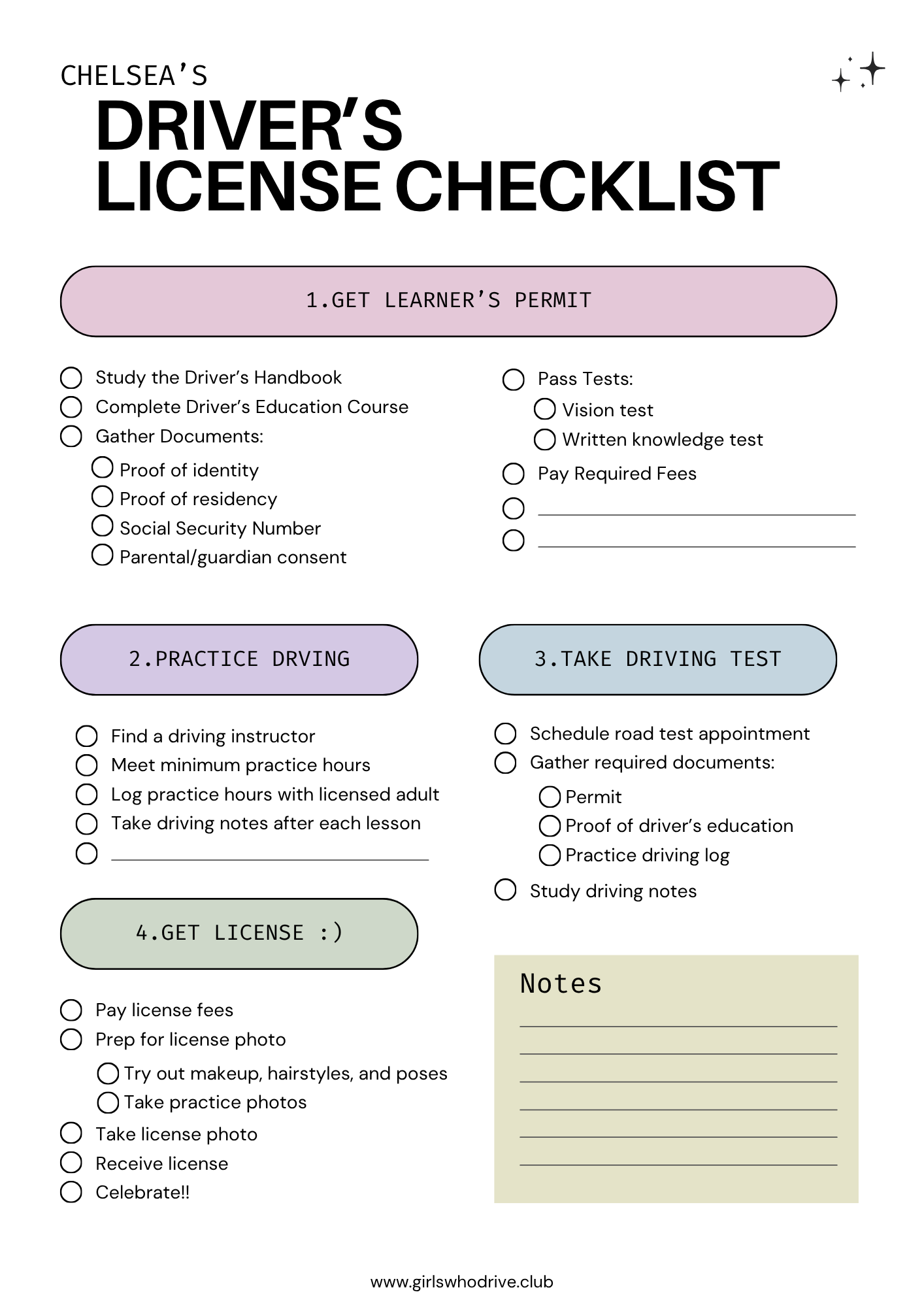
Multiple color options and fully customizable in Canva. Add your own checklist items, then download and print it whenever you're ready.
Works with GoodNotes, Notability, or any PDF editor you love. Edit your checklist and check things off right from your phone, tablet, or laptop.
Enter your best email and we’ll send your checklist straight to your inbox.
Your checklist should arrive within about 2 minutes. If you don’t see it, check your Promotions, Updates, or Junk folder. Still nothing? Try signing up again with a different email.
Choose the printable or digital version depending on how you want to use your checklist.
Update the checklist so it matches the exact steps, requirements, and timelines for getting licensed in your location.
A few simple ways to actually stay consistent with it.
Start by learning the exact steps for getting licensed in your area. Check official websites, make a few calls, and ask friends or family about their experience.
Print your checklist or pin the digital version somewhere easy to see, like your mirror, fridge, desktop, or phone home screen.
Revisit your checklist often and check things off as you complete them. Seeing progress makes the process feel way less intimidating.
Yes! The digital version works on your phone, tablet, or laptop.
Yes! You can customize the Canva version to match the exact steps and requirements in your location.
Yes. The process, fees, age requirements, and tests can vary depending on where you live, which is why we recommend editing the checklist to fit your location.
You only need Canva if you want to customize the editable version. If not, you can simply download and print the ready-made version.
You can use apps like GoodNotes, Notability, Xodo, or any PDF editor you prefer.
Check your Promotions, Updates, Spam, or Junk folder first. If it still doesn’t appear after a few minutes, try signing up again with a different email address.
The checklist helps you stay organized and prepared, but you’ll still need to study, practice driving, and follow your local licensing requirements.